

SHUTDOWN MODE
Outboard “shutdown” will occur if specific faults are detected by the EMM:
| Code 29 | Excessive EMM temperature |
| Code 31 | Excessive engine temperature |
| Code 33 | Excessive NO OIL condition |
| Code 57 | High RPM with low TPS setting |
Code 57 occurs when the EMM detects abnormally high RPM relative to the TPS position. This condition could be caused by uncontrolled fuel entering the combustion cycle. Before removing the code and STARTING the outboard, find and repair the cause.
- Perform Fuel System Pressure Test on p. 153. Check for external fuel leakage that could allow fuel and/or vapor to enter the engine through the air intake.
- Check for internal fuel leakage from a leaking injector or vapor separator vent hose.
If the engine shuts OFF and the “CHECK ENGINE” light or EMM SENSOR FAULT LED is flashing, the engine cannot be restarted. A hazardous fuel condition may exist which could result in a fire or explosion.
Recovery
To recover from shutdown mode, the EMM must NOT detect the related fault at start-up. The outboard will not restart until the cause of the stored service code is resolved (code 29 and 31) and the code is cleared using diagnostics software (code 33 and 57). Then, the EMM must be turned OFF and ON again.
IMPORTANT: Shutdown related to code 57 or 33 requires the removal of the stored service code. Use Evinrude Diagnostics software to clear a code 57 or 33.
DIAGNOSTIC SOFTWARE FUNCTIONS
The EMM stores valuable information about the outboard and its running history. This information can be used for troubleshooting, for checking parts information, and for making adjustments to the system.
Use Evinrude Diagnostics software, P/N 765011, and a laptop computer to access program information.
IMPORTANT: For software help, refer to the “Help” menu in the software.
Communication
Locate the diagnostic connector on the engine. Remove the cover and install the Diagnostic Inter face Cable, P/N 437955.
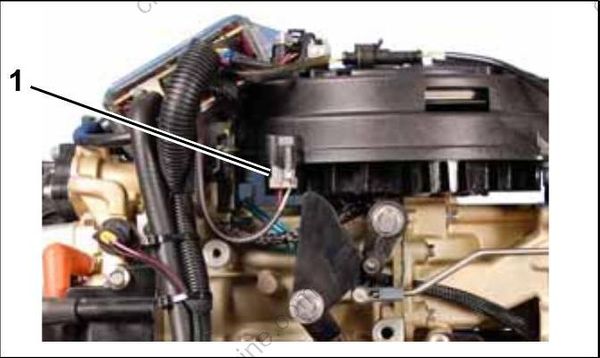
- Diagnostic connector
Connect the 9-pin connector of the interface cable directly to the computer’s serial port.
The EMM must turn ON before it will communicate with the computer.
ELECTRIC START MODELS
Power is normally supplied to the EMM when the key switch is ON. Switched B+ (12 V) enters the EMM at pin 3 (purple) of the EMM J1-A connector.
The EMM is also turned ON when it begins to receive AC voltage from the stator while the out board is being cranked.
ROPE START MODELS
Diagnostic communications on non-running rope start models requires Diagnostic Power Supply Tool, P/N 587005. The power supply uses internal 9-volt batteries.
Connect Power Supply Tool to the engine harness key/stop switch connector. Turn toggle switch to the ON position to power the EMM.
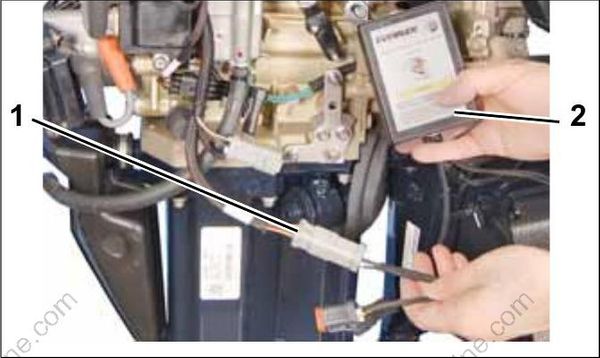
- Engine harness key switch connector
- Power supply tool
IMPORTANT: Static tests require more power than the internal batteries of the tool can provide. Static tests performed using only the internal power supply batteries will produce false results.
Connect an external 12 volt battery to the Power Supply Tool when performing the following static tests:
- Fuel pump
- Fuel injector
- Ignition coil
- Oil injector
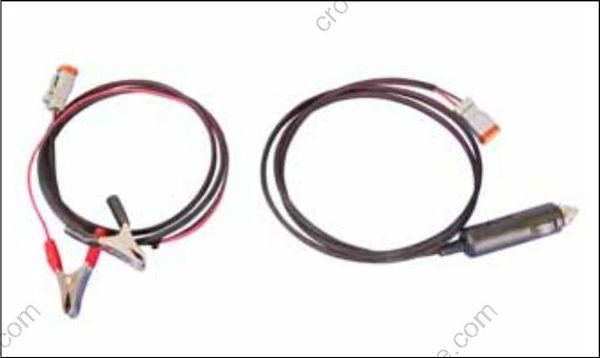
Accessory power cable
Static Information
Static information is viewed when the outboard is NOT running. This includes manufacturing information.
The outboard model and serial numbers displayed on the Identity screen must match the identification label on the outboard swivel bracket.
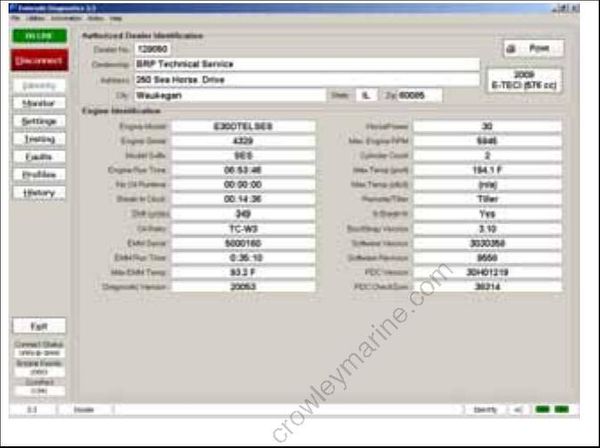
Identity Screen
The serial number and cylinder location displayed on the Injector Coefficients screen must match the actual cylinder placement for each injector.
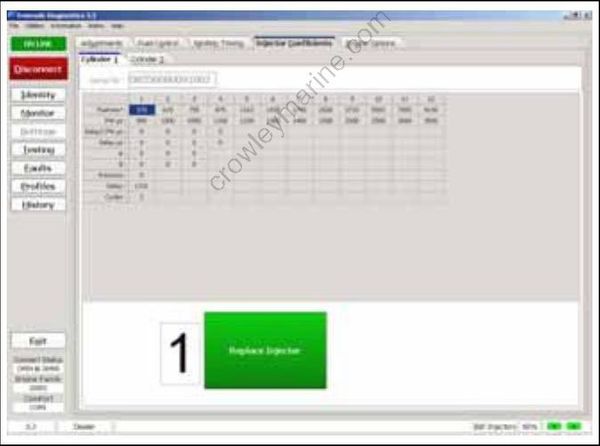
Injector Coefficients Screen
Dynamic Information
Dynamic information is viewed while the outboard is running. Changes in data, such as voltages or temperatures, are shown as they happen.
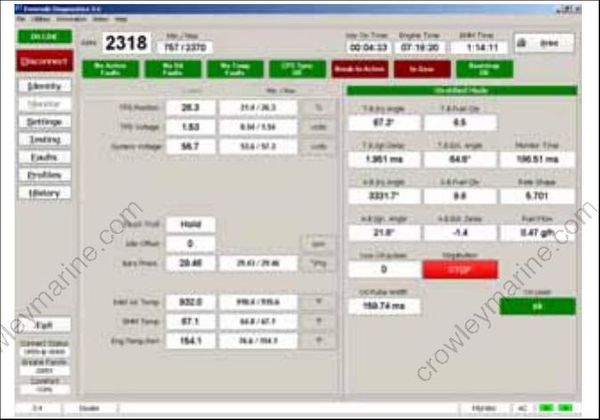
Monitor Screen
Stored Service Codes (Faults)
Service codes are stored if an abnormal condition occurs while the outboard is running.
The Stored Faults screen of the diagnostics soft ware shows the code number, the number of times the event occurred, and operating hours of first and last occurrences.
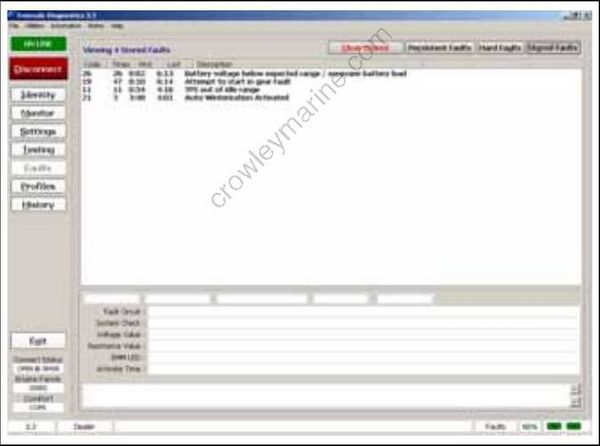
Stored Faults Review Screen
Hard Faults
A hard fault is a service code that currently exists. Hard faults become stored faults only if the outboard is running.
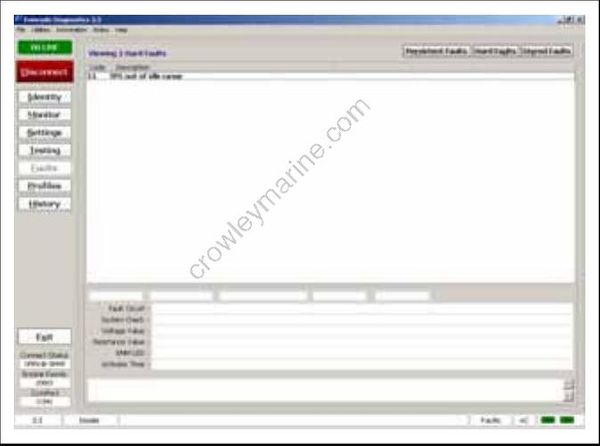
Hard Faults Review Screen
Persistent Faults
The Persistent Faults screen keeps a history of all previously stored codes, including code number, the number of times the event occurred, and operating hours of the last occurrence.
Persistent faults cannot be erased.
Static Tests
Static Tests allow diagnostic testing of system components while the outboard is NOT running.
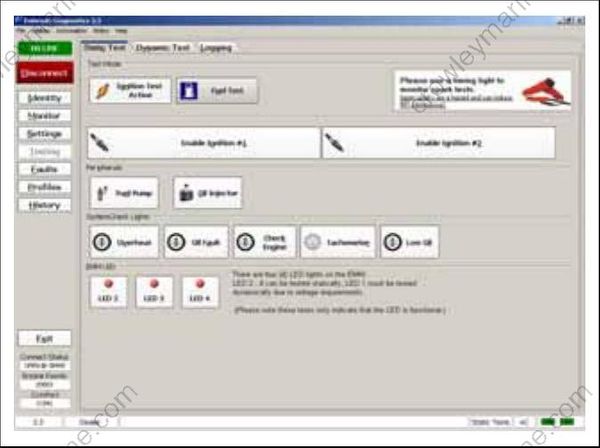
Static Tests Screen
Ignition Test
Use the diagnostics software to test each ignition circuit. Refer to Static Ignition Test on p. 105.
Fuel Test
Use the diagnostics software to test each fuel injector circuit. Refer to Fuel Injector Static Test on p. 108.
Oil Injector
Use the diagnostics software to test the oil injection pump circuit. Refer to OILING SYSTEM TESTS on p. 177.
Fuel Pump
Use the diagnostics software to test the fuel pump circuit. Refer to Fuel Pump Static Test on p. 108.
Tachometer
This test is used to check operation of the tachometer circuit.
Dynamic Tests
Dynamic tests are performed with the outboard running.
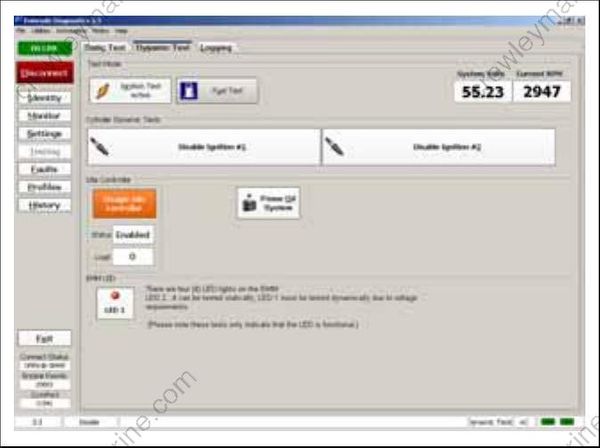
Dynamic Tests Screen
Ignition Test
This test momentarily disables the ignition and fuel injection circuits to one cylinder. By dropping one cylinder, RPM and running quality changes can be observed. Refer to DYNAMIC TESTS on p. 100.
Fuel Test
This test momentarily disables one fuel injector circuit. By dropping one cylinder, RPM and running quality changes can be observed. Refer to DYNAMIC TESTS on p. 100.
Prime Oil
This test is used to cycle the oil injection pump for priming the oiling system. Perform this test with outboard running to activate oil injection pump.
Oil Control Settings
Set Oil Type
The TC-W3 oil type setting is the standard setting for all outboards. Set TC-W3 for:
- Operation with all TC-W3 outboard oils including XD30, XD50, or XD100.
- Applications requiring maximum lubrication.
- Extreme applications (racing or harsh conditions).
The XD100 setting provides an option to run the outboard at a reduced oil injection rate. This set ting REQUIRES the use of Evinrude XD100 outboard lubricant and is not recommended for all applications.
Use the XD100 setting for:
- Conventional use (runabouts, cruisers)
- Moderate applications.
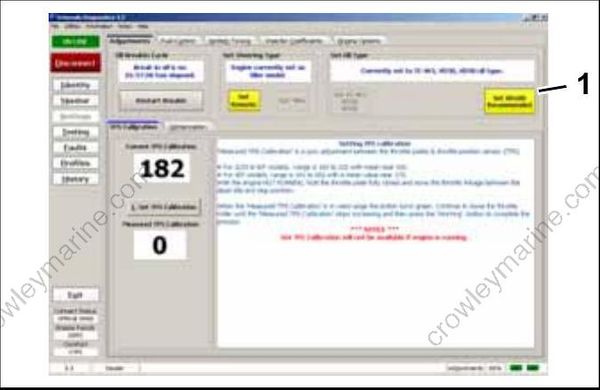
- Oil control setting
Running an Evinrude E-TEC outboard on other grades of oil while set to the XD100 oil ratio will result in increased engine wear and shortened outboard life.
Powerhead Break-In
Use the diagnostics software to start break-in oiling after a powerhead rebuild. The break-in oiling program runs for two hours of outboard operation, above 2000 RPM.
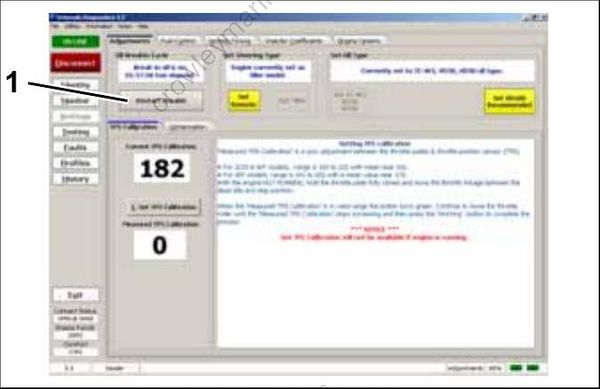
- Break-in oil setting
Tiller/Remote Programming
This feature controls the start in gear protection function of the neutral switch. Tiller operated models, including remote models with an installed tiller conversion kit, MUST be set to TILLER.
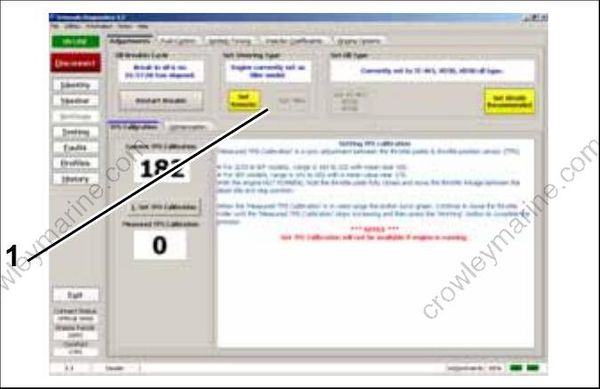
- Starter mode setting
Ignition Timing
Use the Ignition Timing screen to check and adjust EMM timing. EMM timing must be synchronized to crankshaft position.
Refer to TIMING ADJUSTMENTS on p. 135.
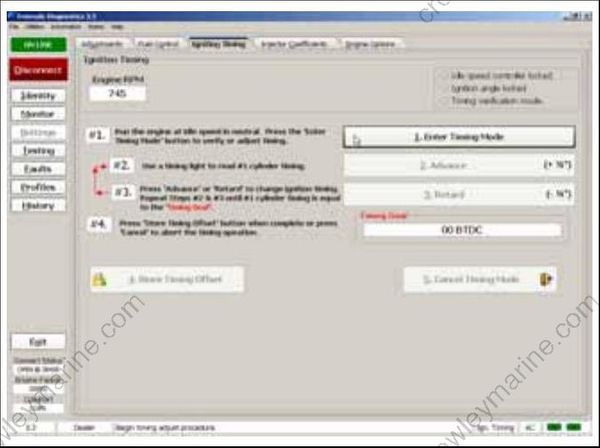
Check timing after any of the following procedures:
- Powerhead replacement
- Crankshaft replacement
- Flywheel removal or replacement
- CPS replacement
- EMM replacement
- EMM software replacement
IMPORTANT: Make sure the outboard reaches operating temperature before making adjustments.
TPS Calibration
TPS Calibration synchronizes throttle plate opening with throttle position sensor voltage.
Refer to TPS Calibration on p. 136.
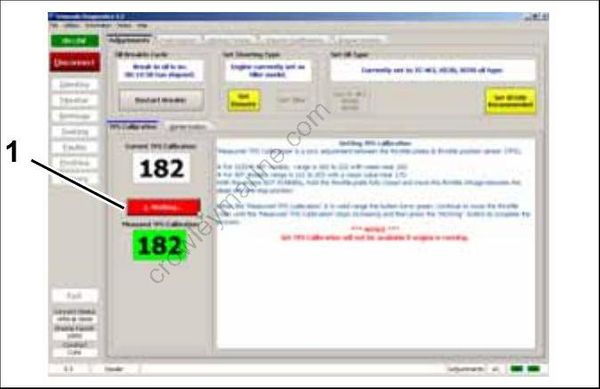
- TPS Calibration button
Perform TPS Calibration after replacing or adjusting any throttle body or throttle linkage parts.
Fuel Injector Servicing
All E-TEC fuel injectors use software programming to compensate for variations in fuel flow. Each injector and its location on the outboard is identified by the EMM. DO NOT install an injector without updating the compensation software.
To install a service injector, click the “Replace” button on the Injector Coefficients screen and select the file for the replacement injector. Refer to Vapor Separator and Fuel Injector Service on p. 160.
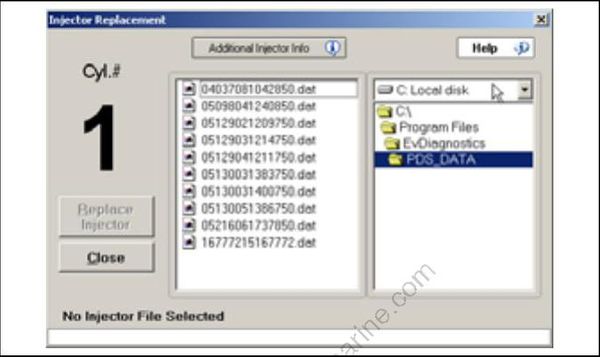
Reports
Engine reports provide service records and can be used to document the running history of an out board. Reviewing this information can help identify or resolve some service issues.
Click the print button in a window of the diagnostics software to print engine data, or to export the information to a computer file.
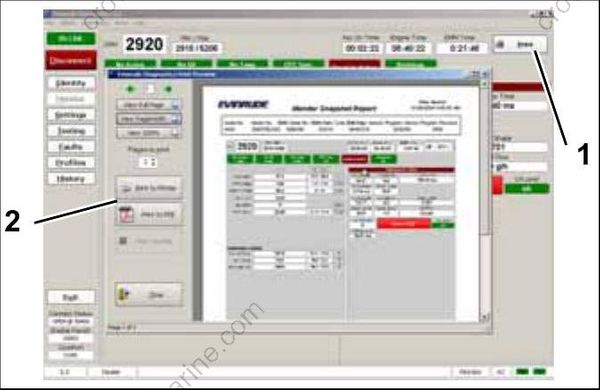
- Print button
- Print/Export options
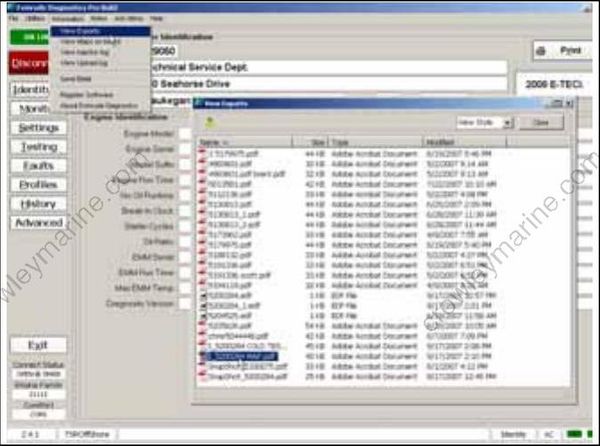
Engine Report data files
Software Replacement
Engine Management Software programs are loaded into the EMM at the factory. Periodically, a new program may be available to enhance the operation of an outboard. Select Engine Software Update from the Utilities menu and refer to the instructions provided with the program.
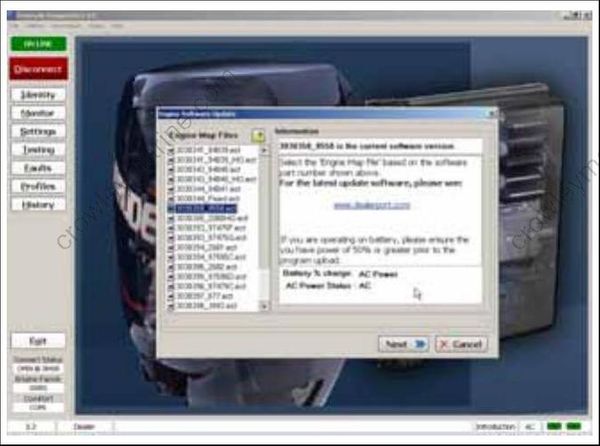
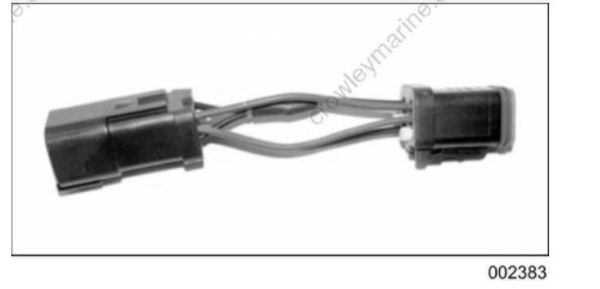
IMPORTANT: Software replacement requires a Bootstrap Tool, P/N 586551.
EMM Transfer
EMM Transfer is used to save engine history data when the EMM must be replaced. Select EMM Data Transfer from the Utilities menu. Select the Collect EMM data to FILE option and follow the instructions provided with the program.
IMPORTANT: Whenever the EMM is replaced, EMM timing must be synchronized to crankshaft position. Refer to TIMING ADJUSTMENTS on p. 135.
