

MIDSECTION AND TILLER ADJUSTMENTS
Throttle Friction Adjustment
Tiller models are equipped with a throttle friction adjustment knob located on the steering handle.
Tighten the knob to reduce the effort required to hold a throttle setting.
Turn the knob:
- clockwise to increase friction
- counterclockwise to decrease friction
Tighten knob only enough to hold throttle at a constant engine speed. Overtightening will prevent quick throttle change in case of emergency.
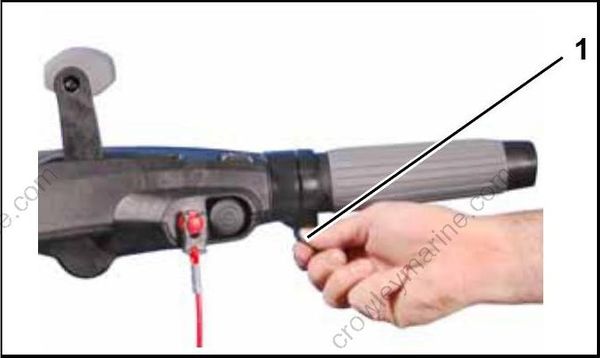
- Throttle friction knob
Steering Friction Adjustment
Steering friction device is not intended to hold boat on a set course.
DO NOT overtighten steering friction for “hands-off” steering. Reduced steering control of the boat could result in loss of control by the operator, creating a risk of personal injury or property damage.
Initial Adjustment
Perform this adjustment after installing steering friction device, or if steering friction device no longer provides enough steering friction.
Position steering friction lever as shown. Tighten locking nut so that a slight drag is felt when steering.
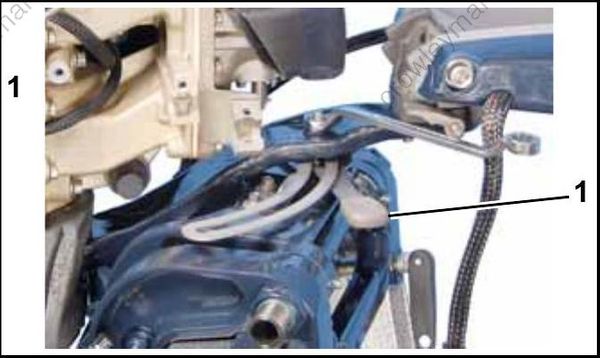
- Steering friction lever
Operational Adjustment
A slight drag should be felt when turning the outboard with the steering handle. If adjustment is necessary, move the throttle friction lever:
- To PORT to increase friction; or
- To STARBOARD decrease friction.
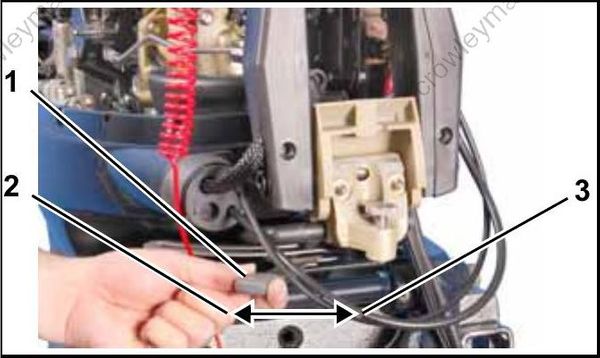
- Steering friction lever
- Decrease friction
- Increase friction
Tiller Height Adjustment
The angle of the tiller handle can be raised or lowered by adjusting a thumbscrew under the handle.
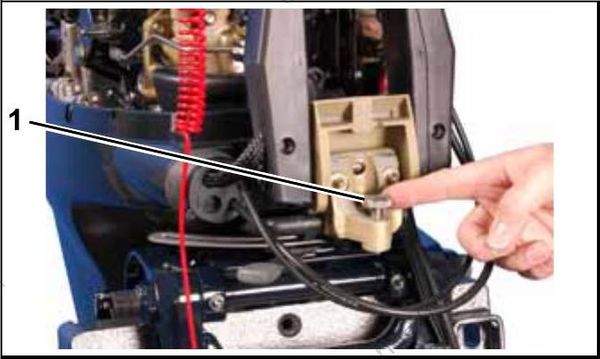
- Height adjustment screw
Tiller Handle Ratchet
Tiller models feature a ratchet which holds the tiller arm at approximately 30° or 90° positions. To release the tiller arm, press up on the release lever.
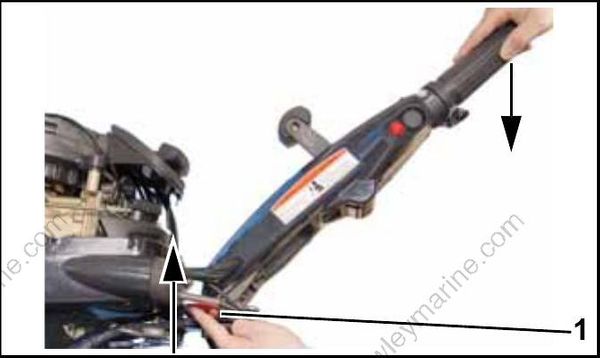
- Release lever
Tiller Handle Friction
The tiller handle screw may be tightened to adjust the amount of friction when tilting the tiller handle.
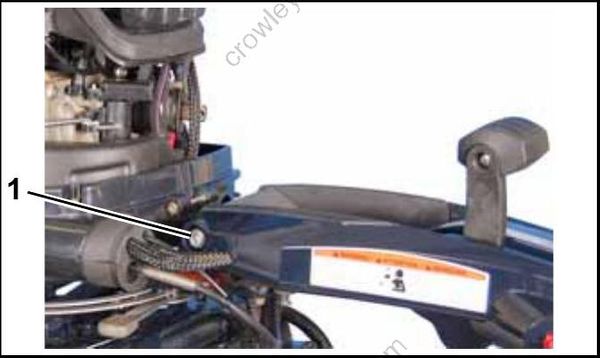
- Screw
