System Faults
System faults are generated by the outboard and the remote control. When an active or current fault is broadcast on the network by a remote control or outboard, the display will:
Take no action unless the display is in Diagnostic or System mode. In those instances, the faults will be displayed.
Indicate an existing warning by highlighting an outboard status indicator icon on the Status Bar.
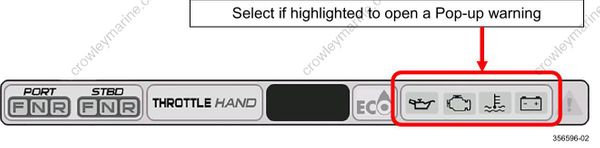
Initiate a Pop-up with the appropriate information displayed. The Pop-up color will be orange. In addition, the appropriate Outboard Status Indicator in the Status Bar will be highlighted.
Initiate a Pop-up with the appropriate information displayed. In addition, the Audible Alarm Drive Output will be set to sound an audible user alert. The Pop-up color will be red. In addition, the appropriate Outboard Status Indicator in the Status Bar will be highlighted.
A Pop-up and audible warning will remain in effect until acknowledged by the operator by touching the pop-up area. As long as the fault is active, the pop-up may be re-initiated by touching the right-hand side of the Outboard Status Indicator area of the Status Bar.
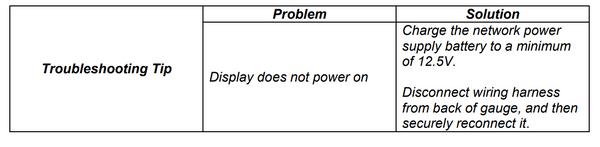
Turning the Display ON
Turn the key switch to the ON position or start the outboard to turn the display ON.