Fluid Tanks
Press the Fluid Tanks button or the Fluid Tanks icon to access the Fluid Tanks screen.
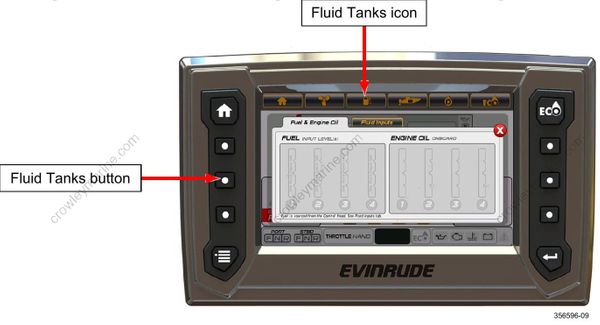
This is a pop-up screen. The data shown is:
- Fuel Level (up to four tanks).
Fuel level inputs are located on the remote control wiring harness. Two are preconfigured as fuel, two are preconfigured as oil.
A low fuel warning “pop-up” will display when fuel level is equal to or less than 20% of total volume.
- Oil Level (for each outboard-mounted oil tank)
A low oil warning “pop-up” will activate when oil level is equal to or less than 25% of total volume.

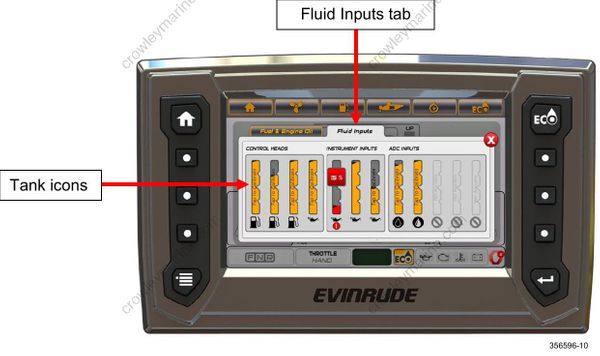
Touch the Fluid Inputs tab. Touch a red-colored tank icon. This will access the Calibration screen for the selected tank. See Calibrations on page 22.